

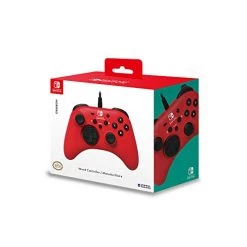
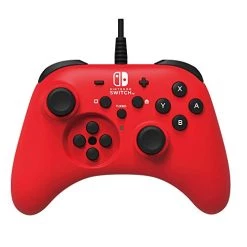
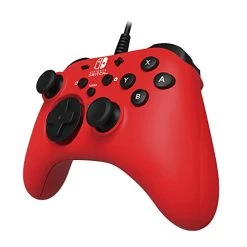
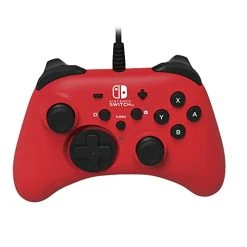
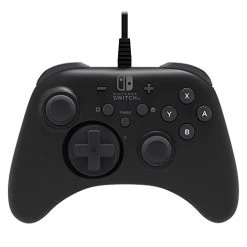
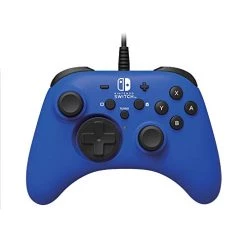
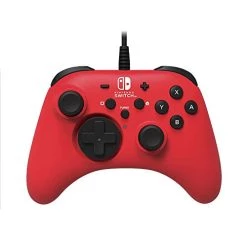
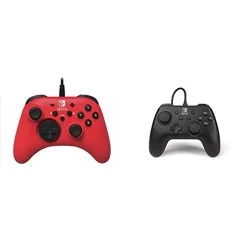
Nintendo Switch HORIPAD Wired Controller (Red) By HORI – Licensed By Nintendo
Original price was: $19.99.$13.99Current price is: $13.99.
- Unbeatable quality, unbeatable prices.
- Your satisfaction is 100% guaranteed.
- Quality Meets Affordability
- Safe Payments for a Better Shopping Experience

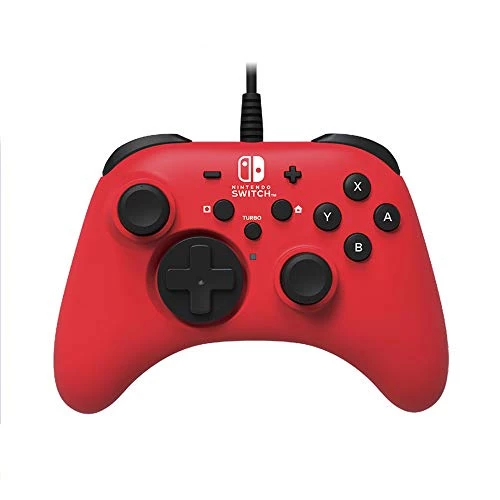
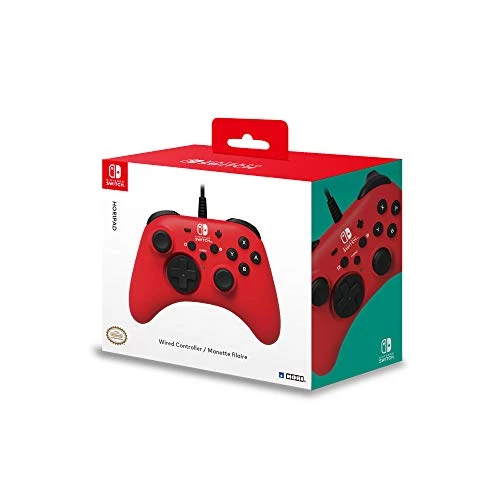
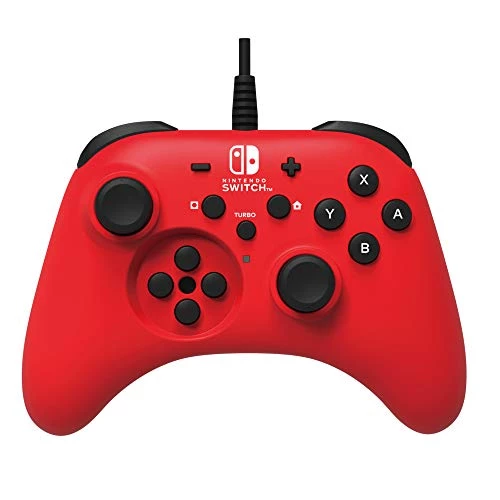
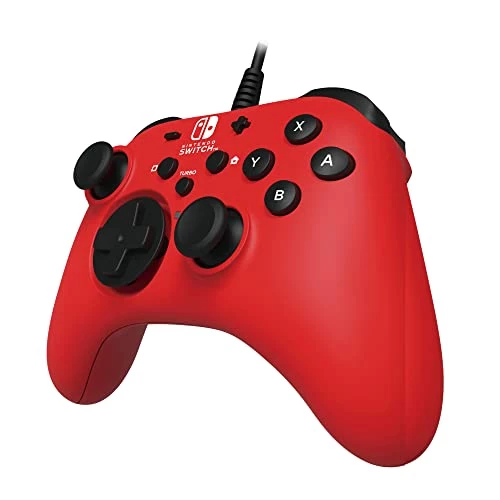
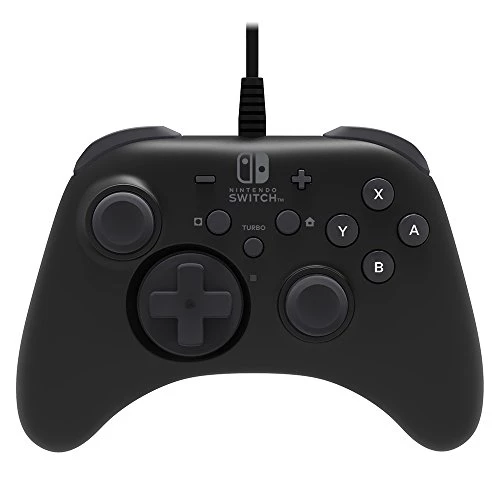
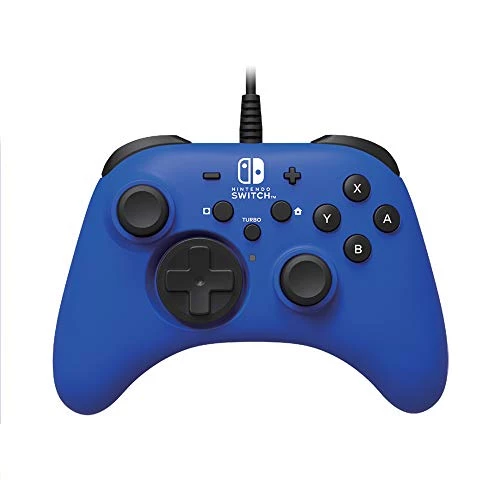
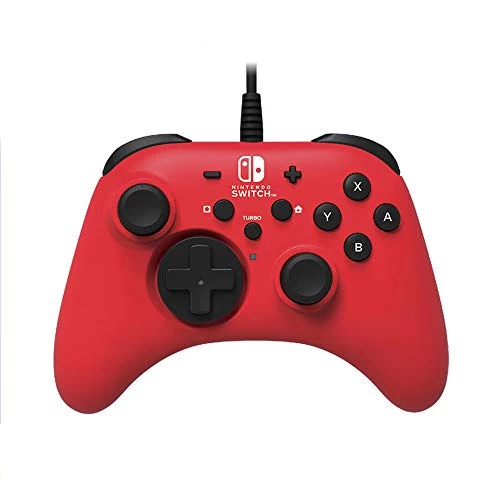
Officially Licensed by Nintendo. After three decades of innovation as Nintendo’s original peripheral licensee, Hori done it again with the HORIPAD for Nintendo Switch. This sturdy, high-performance Controller boasts an array of features, including fast-action trigger shoulder buttons, a detachable d-pad adapter, high-precision offset analog sticks, turbo settings, and more. Wired functionality provides Lightning fast responses and Tournament ready performance, while an ergonomic grip and a lightweight profile ensures continued comfort. (Product does not include motion control or vibration feedback functions.)
- Turbo functions
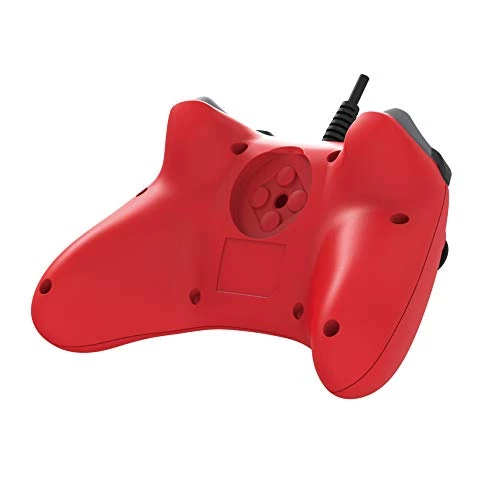
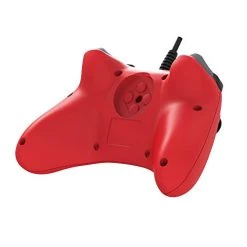
- Detachable d-pad adapter
- Precision offset analog sticks
- Fast-action trigger shoulder buttons
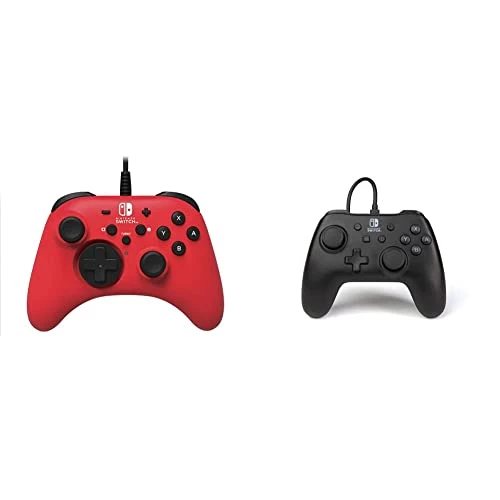
| Edition | Black, Blue, Red, Red + Controller |
|---|
8 reviews for Nintendo Switch HORIPAD Wired Controller (Red) By HORI – Licensed By Nintendo
Add a review
Related products
Joy-con & Controllers
Joy-con & Controllers
Joy-con & Controllers
Joy-con & Controllers
Joy-con & Controllers
Joy-con & Controllers
Joy-con & Controllers
KKR –
I bought this for the turbo function so I could farm shooting stars in Animal Crossing. It quickly became my preferred controller for convenience’s sake, as it is wired and neither the controller or the docked Switch ever need charging during gameplay. The cord is an excellent length for me, and there’s plenty of slack in the cord when I’m sitting approximately 8 to 9 feet away from the console.The size of the controller is somewhat unwieldy for me because I have smaller hands that better fit the size of the original joycons that come with the Switch. It’s not too bad, but I’m not sure if this would be a good controller to buy for a child. I have never used the official Pro Controller for the Switch so I can’t say if it’s the same size.The turbo is somewhat awkward, but this is my first time using a turbo controller and have nothing to compare the quality too. The controller comes with no instructions on how to operate the turbo feature, only a safety/caution pamphlet and a button diagram. You must hold down the turbo button and press the button you want to assign, then stop holding turbo and press the button you have assigned again to execute the action with turbo. The initial tap to assign puts the action through as normal, though, so be sure not to activate a time-sensitive activity that requires constant hits in your game before checking that your turbo function is on properly.I do like this controller a lot despite these flaws. The biggest problem I have with it is that the left control stick has begun drifting to the left without being touched, even though I’m very gentle with controllers and I’ve only had it for about a week. I can have my hands off the controller and my character will be moving to the left. It causes precision problems during gameplay, and it’s become impossible to type with my Switch’s on-screen keyboard as the left stick drags the letter selection while I’m writing. It’s very disappointing to see that an issue which plagues the official joycons is being seen in other peripherals as well. I was hoping it would be better quality.I’ve already submitted a request for an exchange through Amazon. I’ll update this review if my experience changes.
Christy Denaco –
While this is not wireless, and not as sturdy or ergonomic, like the official Switch Pro controllers… It is a great value for this price range in regards to controllers.I break controllers very regularly (even official ones), and I have purchased this controller several times now. I find that I get an adequate or even impressive amount of life out of them and I’ve never had issues with stick drift or sticky buttons until at least a couple months of use. This may sound negative, but these are all positives for me.The turbo feature should not be understated either. It can be quite handy on other types of games, like PokeMon, and it is super easy to figure out and use. Other controllers do not even have this functionality at all.The D-Pad is kinda awkward, but still responds decently enough. The removable D-Pad face is a really neat feature. You can store the plate with the typical 4 way design in the back of the controller, and it converts into a 4 button layout similar to the normal buttons. I’ve never really needed to use the button version, but I like that it can be customized.I don’t have too many negatives to say. The grips could be more comfortable and perhaps some rubber or textured backing for improved grip. But, it’s not particular BAD either. If you do tend to get sweaty hands, jokes aside, then this controller may be a bit harder to handle. But, again, it’s not a huge detriment.This controller also works pretty effortlessly with Steam, and even emulators, so this is even a great choice for any PC or retro gaming needs as well.
Tanookicatoon –
This controller is a toughy. I love it.I’ve used it since Jun 28, 2021.I love the texture all over this thing. It gives you a nice grip on it.The only downsides to this controller is the turbo button (makes it not tournament legal)and the odd choice to use D-Buttons instead of a D-pad.The snap on attachment doesn’t entirely help with that?I do enjoy using the D-buttons for certain games, but the choice to put them into a deep pit makes it a tad uncomfortable to use, and the pad attachment slips and presses the wrong buttons very frequently.You’re better off just not using the pad.Basically just do not buy this controller if you intend on focus on using the D-buttons.Otherwise, NO DRIFT. That’s all I wanted in this controller, and it does just that.Good for Fortnite, Good for Smash.UPDATE: 10sep2021Yooo, this thing works for PC! I plugged this thing into my laptop as a joke,and now here I am using it as my dedicated shortcut device for art! Neat~
Arturo Arteaga –
I’ve never tried a turbo controller before and I deeply regret that now. I’ve been using it to farm money in a game and it has been going non-stop for a week now. The cable feels sturdy and the buttons are smooth. The sticks are smaller and a bit more sensitive than what I’m used to but it gave me the opportunity to use custom covers without losing any range of motion. I’ll definitely consider buying the wireless version from this company.
Zack –
Bought this mainly for the turbo button. The feel of the controller and all the buttons are really nice.
Mark A. Bleckler –
Bought this controller to afk grind a popular game for in game currency. Works like a charm! Can’t comment on how it handles during long bouts of handling, but works great for afk turbo.
Jay Owens –
This is great for fighting games. I mainly play ARMS and Street Fighter 2 with this controller. The A B X Y buttons are shorter and more rounded, so my fingers can go from botton to botton easyer. The D pad is the best feeling D pad I’ve ever owned, it feels good. If it had motion controls, I’d use it as my main controller. Plus you can AFK farm!
Noah –
Works great! I just wish it had the motion controls.