
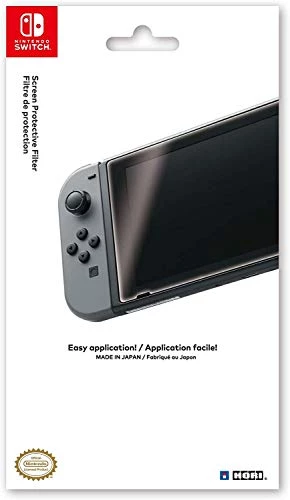
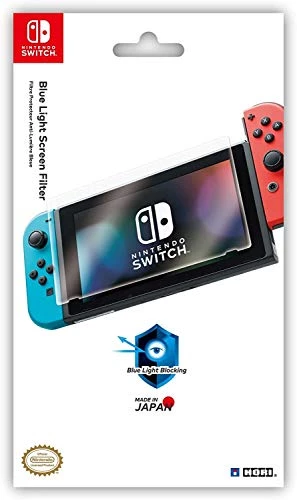
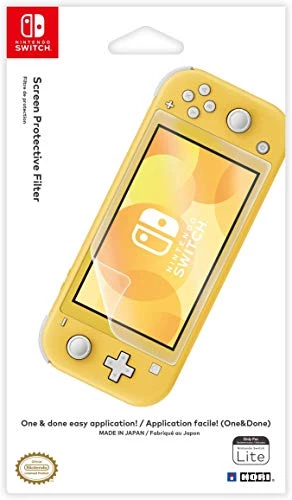
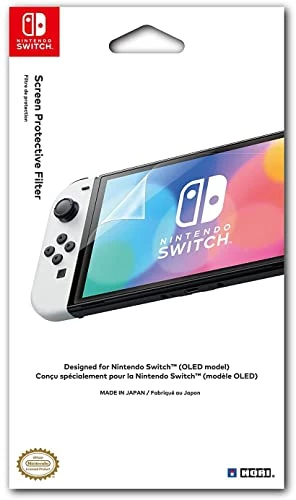
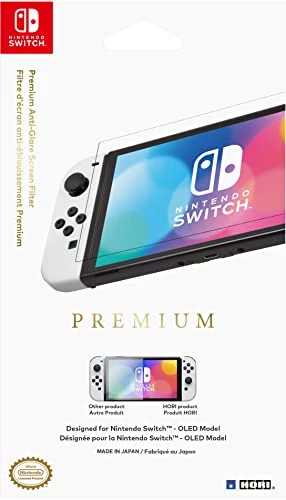
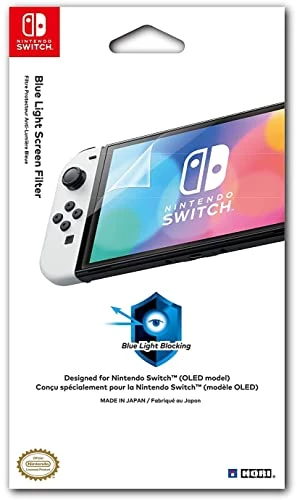
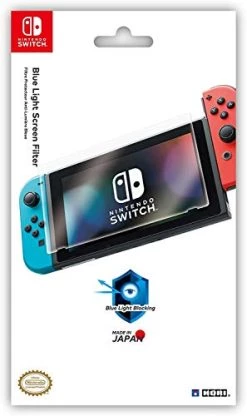
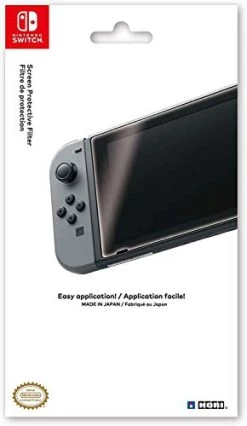
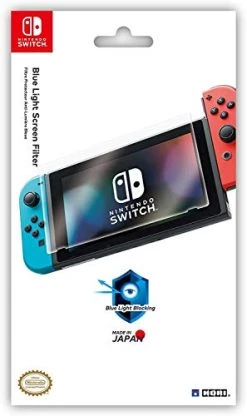

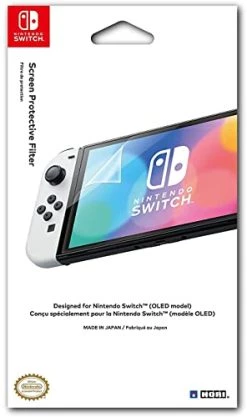
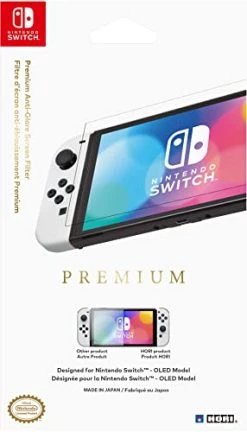
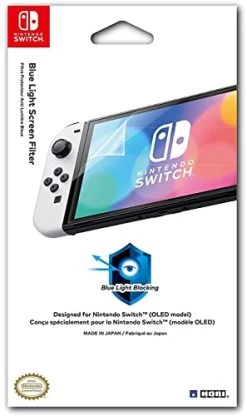
HORI Nintendo Switch Blue Light Screen Filter (Blue Light Blocking Screen Protector) Officially Licensed By Nintendo – Nintendo Switch
Original price was: $9.99.$6.99Current price is: $6.99.
- Unbeatable quality, unbeatable prices.
- Your satisfaction is 100% guaranteed.
- Quality Meets Affordability
- Safe Payments for a Better Shopping Experience

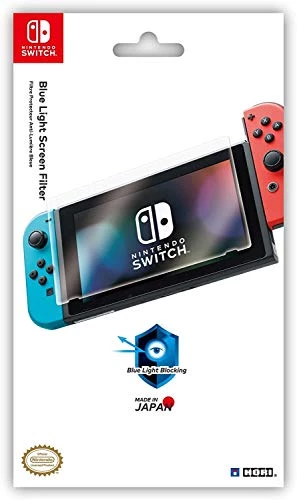
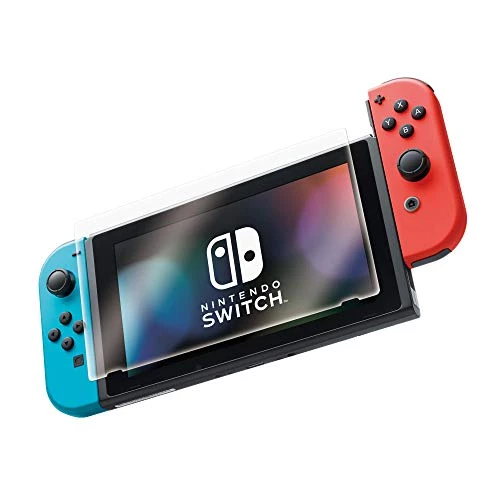
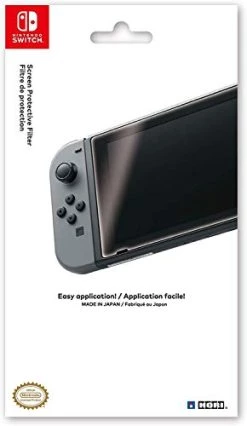
Introducing Hori Nintendo Switch blue light screen filter (blue light blocking screen protector). blue light is harsh, high-energy light that has been known to cause eye fatigue and other adverse effects. The Blue Light screen filter cuts blue light by up to 30%, resulting in a gentle gaming experience that is easy On your eyes. The Hori blue light screen filter for Nintendo Switch is manufactured in Japan from high-quality pet film to perfectly fit your Nintendo Switch screen, and Hori patented application method gets you the perfect results the first time. Simply position in place and pull from the center to apply the filter without dust or bubbles. You’ll barely know it’s there, but you can rest assured knowing your Nintendo Switch screen will be protected from scratches and wear for years to come. Officially Licensed by Nintendo.
- High-quality pet protective film Made in Japan
- Crystal clarity
- Helps to reduce eye strain by cutting out harmful blue light
- Officially Licensed by Nintendo
| Style | Switch, Switch (Blue Light), Switch Lite, Switch OLED, Switch OLED (Anti-Glare), Switch OLED (Blue Light) |
|---|
6 reviews for HORI Nintendo Switch Blue Light Screen Filter (Blue Light Blocking Screen Protector) Officially Licensed By Nintendo – Nintendo Switch
Add a review
Related products
Accessories
Accessories
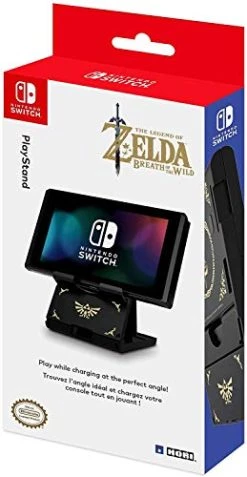
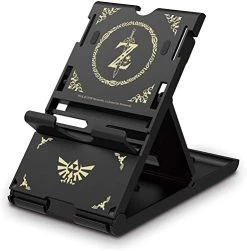
Nintendo Switch Compact Playstand (The Legend Of Zelda) By HORI – Officially Licensed By Nintendo
Accessories
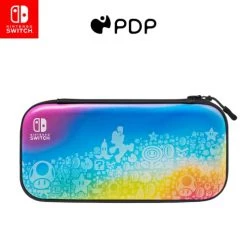
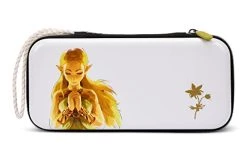
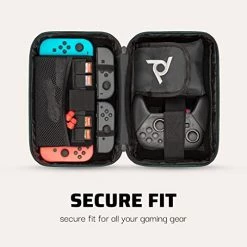
PDP Gaming Commuter Case With Carrying Handle & Removeable Shoulder Strap – Nintendo Switch
Destiny Bradford –
So after I heard the Switch dock could scratch the hell out of the Switch screen I of course went looking for a screen protector. I don’t normally use screen protectors because I have no children and truthfully have never had a need for them, so I am very inexperienced with applying them and what you should look for in one. I did buy the LoZ BoTW official Nintendo skin set which included a screen protector but for the life of me I could not apply it without lint and bubbles so I went searching for a different one that was easier to apply. This screen protector had the best reviews for a PLASTIC protector by far (There is a glass one that has around 5k which is pretty impressive but I’m to scared to try and apply a glass one) I loved that it was endorsed by Nintendo, especially after hearing the horror stories of 3rd party skins ruining the surface of the Switch, I didn’t want to take a chance with the screen. I was intrigued by the way the protector was applied, I always have such a hard time lining up the protector with the edge of screen but this one allows you to line it up without removing the back to the protector because of a sticky little square on the back of the screen protector backing. You remove the backing one half at a time while the little sticky square holds it in place on the screen. It is much easier to remove bubbles one half at a time. I applied this in the bathroom, after wiping down the screen with rubbing alcohol and the included little cloth, I had a hot shower going like some other reviewers suggested and there was no lint of my own making but there was however inch long pieces of plastic fibers already stuck on the protector out of the package, I was able to remove them using clear tape as suggested by the tutorial instructions but this and one corner being damaged is the reason for the 4 stars versus 5. It seems the company could stand some additional QC. I recommend searching YouTube for the tutorial video because the written instructions are confusing, it is fairly straightforward once you actually watch the process and I only had to watch the video once. I would definitely recommend this screen protector for the price and ease of application, it really is foolproof.
LK –
Just installed the screen protector and, despite being a little nervous at first at the provided directions (which are only photos–don’t let the QR code fool you, there’s not actually a video tutorial on the page it links to), it actually went on much easier than I expected. It sits flush to the screen and you really can’t even tell it’s there once it’s on. I’m removing one star because it didn’t come with any alcohol wipes or little stickers to clean the screen of dust and prints prior to application, but it wasn’t a huge inconvenience for me since I had some leftover from the last screen protector I ordered for my phone. Once I got it on, I had no issues smoothing out any air bubbles (there weren’t many). The only issue I had (which could be considered a plus), was that I noticed one little dust speck under the protector that I’d missed, and I had a hard time getting the protector peeled back up to remove it (they recommend using clear tape, but that didn’t work for me and I had to push it up with my nail instead). Really though, it’s a good sign to me that the protector will stay in place firmly. One last thing to mention–there was a vertical line on the front of the protector that was kind of showing from the place where you peel off the liner, and I was worried it wouldn’t come off (wiping it with the included cloth didn’t remove it); however, I was able to gently scrape it off with my fingernail, and now it looks perfect! Also, no issues thus far with using the touch screen (I tested both with my finger and a cheap stylus). Would definitely recommend this screen protector for anyone looking for a non-glass alternative!
Kam –
It looks great! They include a microfiber cloth but they don’t include a dust absorbing sticker. Which is okay because you can use any sort of regular tape but especially for only receiving one screen protector you’re gonna wanna make sure you apply it perfectly. Removing all the dust and particles from the screen is tough to do with just the microfiber cloth because the cloth just drags particles around. And they’ll collect on the cloth too so it’s just difficult to get it perfect but it’s possible. Regardless, it’s a screen protector. Application is extremely easy and self explanatory and you should be just fine. Common sense says be careful while applying. I seen a review where someone said the piece of cardboard they provided to squeeze out air bubbles broke their switch screen lmao but that’s user error. They broke their own screen, the inaminate piece of cardboard has no ability to crack a screen on its own. If you have any common sense, you can apply this easily. It looks great, you can hardly even tell that you have a screen protector on your switch which I love. Super lightweight protection. If you’re only worried about scratches on your screen then this is the way to go. I got mine on with zero particles stuck under the screen but it took lifting it up once after application to remove a few particles that I seen. Stuck back down nicely afterwards. Place it down and swipe your finger across once. It’s easy. Looks great and it’s cheap. I love the film protectors over the glass ones. Rating 4 stars because how much better can it get, only thing they could have done better is to include a dust absorbing sticker with the packaging to ensure that the consumer has the tools they need to apply this thing perfectly. That’s not a problem with the product though, it’s only a potential inconvenience with the packaging.
nick –
Awesome screen protector. Only wish you added 1 extra just incase you mess up. Other than that I’m lucky I got it first try because it’s awesome.
Tito30 –
Out of all the screen protectors I’ve put on over the years this is the easiest one I’ve ever done. And for the second time ever I have no air bubbles! Highly recommended
tammi –
Great added protection for my grandsons switch. Easy application and you can’t even tell its there but I’m sure glad it is.